
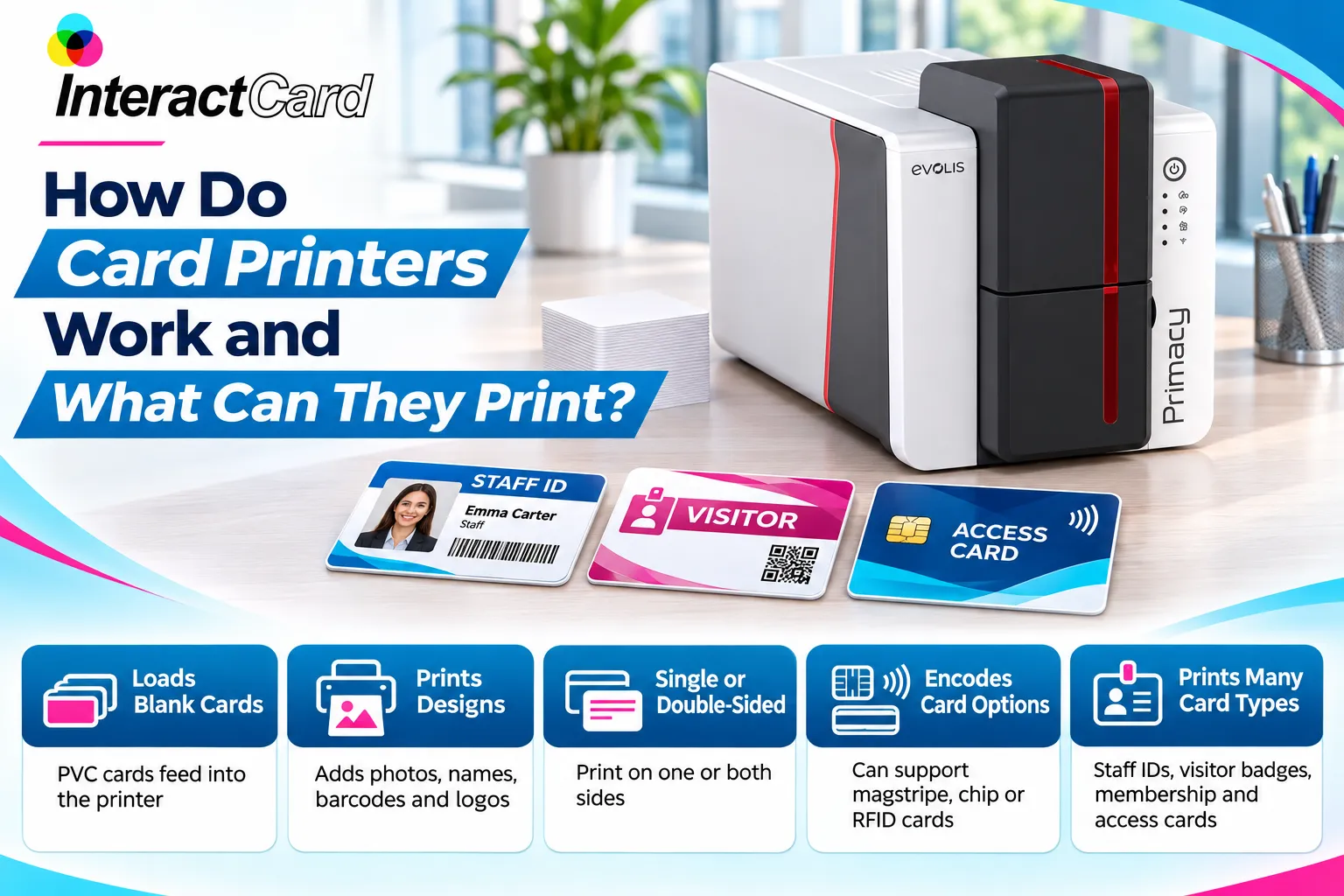
Quick Answer: Card printers use a heated printhead to transfer colour from a ribbon onto a plastic card, either directly onto the card (direct-to-card) or onto a clear film that is then fused to it (retransfer). They print photos, logos, text, barcodes and QR codes, and with an encoding module they can also program magnetic stripe and smart cards.
Ever wondered how businesses produce professional-looking staff IDs, gym memberships or visitor passes? Most are made with specialised card printing equipment, not an ordinary office printer.
Whether you run a small business or manage ID for hundreds of employees, understanding how card printers work helps you choose the right one. This guide explains the printing process, the main technologies, what you can print and what to check before you buy.
What Is a Card Printer?
A card printer, sometimes called a printer for plastic cards, is a desktop machine that prints designs onto plastic cards, usually standard CR80 PVC cards (85.6 × 54 mm, the size of a credit card). Instead of ink or toner, it uses a ribbon and a heated printhead built for plastic surfaces.
Businesses use card printers to make durable, personalised cards in-house, from staff IDs and student cards to membership cards, visitor passes and event badges.
How Do Card Printers Work?
Most card printers use dye-sublimation: a thermal printhead heats a ribbon so its colour transfers onto the card. The whole process takes four steps.
Step 1: Create the Card Design
You design the card in card design software, adding photos, logos, names, ID numbers, barcodes and expiry dates. Many programs can pull names and photos from a spreadsheet, so a whole batch prints in one go.
Step 2: Load the Cards and Ribbon
Blank cards go into the input hopper, and a ribbon is fitted into the printer. A full-colour YMCKO ribbon has five panels: yellow, magenta and cyan blend to create photos and colours, black (K) prints sharp text and barcodes, and a clear overlay (O) seals the card against wear.
Step 3: Print the Image
The printer feeds one card at a time. The printhead passes over each ribbon panel in turn, heating thousands of tiny points to transfer colour exactly where it’s needed. Direct-to-card printers print onto the card itself, while retransfer printers print onto a clear film first. Most desktop models finish a single-sided colour card in well under a minute.
Step 4: Encode, Finish and Collect
If the printer has an encoding module, it can program a magnetic stripe or smart chip during the same pass. Some models also flip the card to print the back or add a laminate. The finished card then drops into the output hopper.
What Printing Technologies Do Card Printers Use?
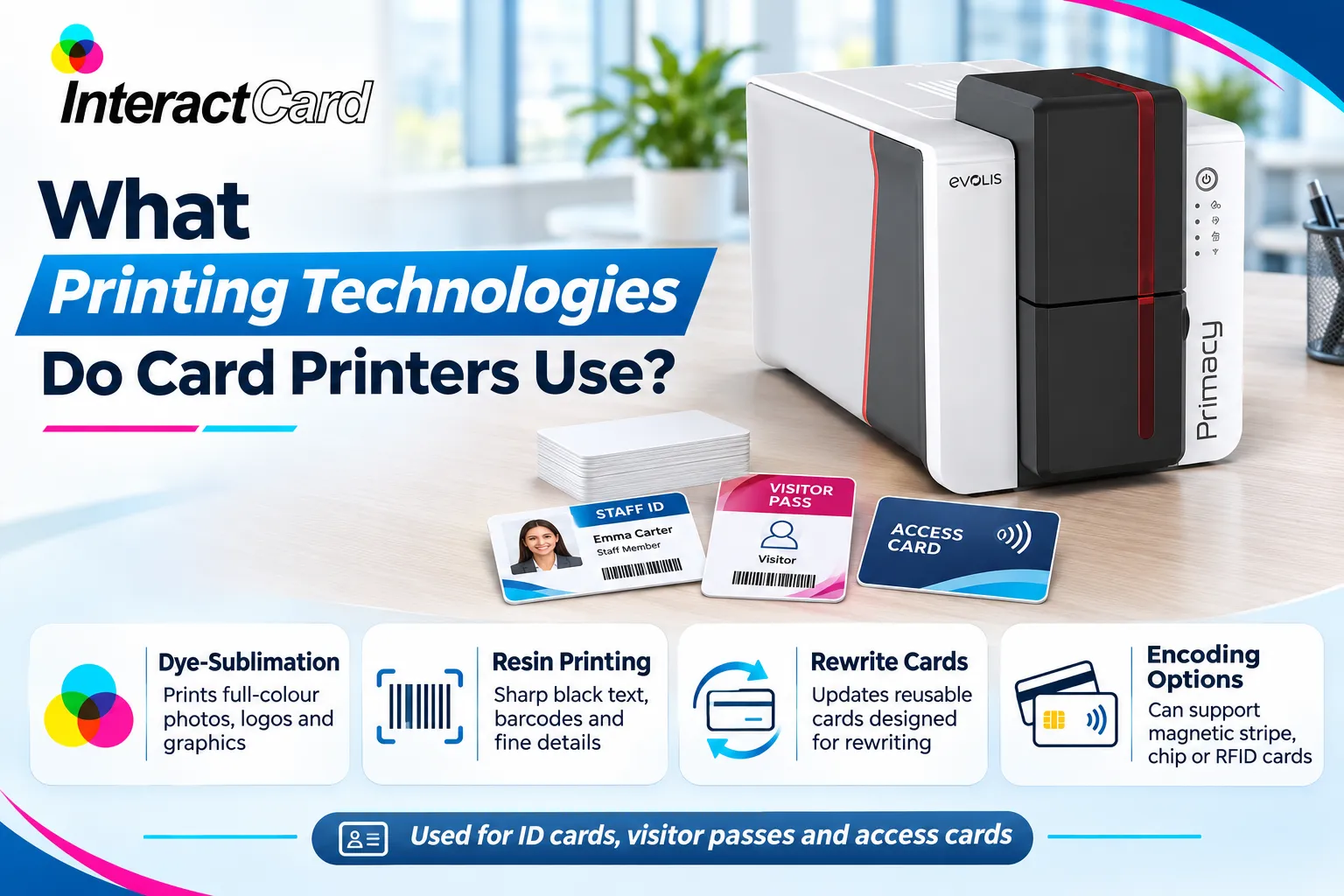
There are two main technologies: direct-to-card and retransfer.
Direct-to-Card Printing
The ribbon transfers the image straight onto the card. It’s the most affordable option and suits everyday staff badges and membership cards, though it can leave a thin white border around the edge. The Evolis Zenius 2 and Primacy 2 work this way.
Retransfer Printing
The image is printed onto clear film, which is then heat-bonded to the card. This gives sharp, edge-to-edge printing and prints evenly over cards with embedded chips. It costs more per card. The Evolis Agilia and Avansia are retransfer printers.
Choose direct-to-card for standard ID cards, and retransfer for premium designs or smart cards.
What Can You Print With a Plastic Card Printer?
A printer for plastic cards can produce almost any personalised card, as long as it supports your card type and design.
-
Employee ID cards with names, photos, departments and staff numbers
-
Student cards for schools, universities and RTOs, often with barcodes
-
Membership and loyalty cards for gyms, clubs and retailers
-
Visitor and contractor passes with names and expiry dates
-
Event and conference badges for attendees, speakers and exhibitors, printed on-site as registrations change
On each card you can add full-colour photos, logos, text, barcodes, QR codes, signatures and, on some models, security features such as holographic overlays.
What Is the Difference Between Card Printers and Badge Printers?
There’s no strict technical difference. “Badge printer” usually means a compact model for staff, visitor and event badges, while “card printer” covers the wider range, including retransfer and high-volume machines.
|
Feature |
Card printers |
Badge printers |
|
Main use |
All plastic cards: ID, membership, loyalty, access |
Staff, visitor, student and event badges |
|
Technology |
Direct-to-card or retransfer |
Usually direct-to-card |
|
Typical size |
Desktop to high-volume |
Compact desktop |
|
Options |
Dual-sided, encoding, lamination |
Simple single-sided printing |
Many badge printers are simply compact plastic card printers used for ID badges, such as the Evolis Badgy. Focus less on the label and more on whether the machine supports your cards, design and volume.
Can Card Printers Print Barcodes, QR Codes and Smart Cards?
Yes, but printing and encoding are different.
Any card printer can print barcodes and QR codes as images, which scanners can read. Smart cards, RFID cards and magnetic stripe cards also need encoding, where data is written electronically to the chip or stripe. That requires an encoding module, such as magnetic stripe, contact chip or contactless (MIFARE or proximity).
A printed badge can identify someone visually, but opening a secure door needs a correctly encoded credential. Always confirm encoding compatibility with your access control system before buying.
What Should You Consider Before Choosing a Card Printer?
-
Volume: How many cards will you print a week, and at your busiest time?
-
Print quality: Do you need edge-to-edge designs or fine detail?
-
Single or dual-sided: Will you print on the back too?
-
Card compatibility: Which card sizes, thicknesses and materials are supported?
-
Software: Does it work with your computers and staff database?
-
Running costs: What do ribbons and blank cards cost per card?
-
Support: Are supplies and technical help available locally?
Why Choose InteractCard Australia?
-
Authorised Evolis distributor of genuine printers, ribbons and parts
-
Card printers and badge printers for every need, from Badgy and Zenius 2 to Primacy 2, Agilia and Avansia
-
Supplies in one place: ribbons, blank cards, cleaning kits, lanyards and design software
-
Same-day dispatch on orders placed before 2pm on business days
-
Local support from the Melbourne-based team
Frequently Asked Questions
Can a normal printer print on plastic cards?
No. Office inkjet and laser printers can’t feed rigid PVC cards or bond colour to plastic. You need a dedicated printer for plastic cards with a compatible ribbon.
Can card printers print in full colour?
Yes. With a YMCKO ribbon, card printers print full-colour photos and logos. Monochrome ribbons are available for cheaper text-only and barcode cards.
How long does it take to print a plastic card?
Most desktop card printers produce a single-sided colour card in well under a minute. Dual-sided printing, encoding and lamination add time, so check each model’s rated speed.
Do card printers need special software?
Yes. You need the printer driver and card design software. Many printers come with basic software, while batch printing from a database or encoding may need an upgrade.
What ribbon does a card printer use?
Each printer uses ribbons made for its model. YMCKO ribbons print full colour, KO ribbons print black with an overlay, and monochrome ribbons print a single colour.
Can a card printer print on both sides of a card?
Only dual-sided models can print both sides automatically. Single-sided printers print one face, though some models can be upgraded to dual-sided later.
Conclusion
Card printers turn a blank plastic card into a finished ID, membership card or event pass in minutes, using heat, a ribbon and the right software. Understanding how they work, and the difference between printing and encoding, helps you choose card printers or badge printers that suit your cards, volume and budget.
About Interact Card
InteractCard has specialised in ID card printing for more than 20 years. Based in Wantirna South, Melbourne, it’s an authorised Evolis distributor supplying card printers, badge printers, consumables and card design software to businesses, schools, clubs, RTOs and government organisations across Australia.
